 Cross-platform app · Music
Songware your whole band, in sync
One leads, the whole band follows. In a live set, the song and key stay in sync across members’ devices, while a set presentation shows lyrics to the audience on an external TV or projector. It all starts in the same workspace where the band prepares its repertoire, builds setlists and plans performances.
Explore more on the official project website.
01The challenge
Chords in a PDF, a recording in a message thread, the running order on paper. When plans change, everyone needs the update — and the right version before the song starts. Musicians also use different devices, while the band and the audience need different views of the same performance.
02The solution
We built a connected experience from preparation to performance. Live sets let the leader keep the whole band in sync by changing the song or key. Set presentations have separate controls and output to an external TV or projector, with lyrics and additional content for the audience. Shared repertoire, setlists, practice recordings and team conversations support it all.
-
6
platforms to play together
-
21
interface language versions
-
2
instruments with chord diagrams — guitar and piano
-
Live
songs and keys kept in sync
03Key features
What Songware does
- 01
Live sets for the whole band
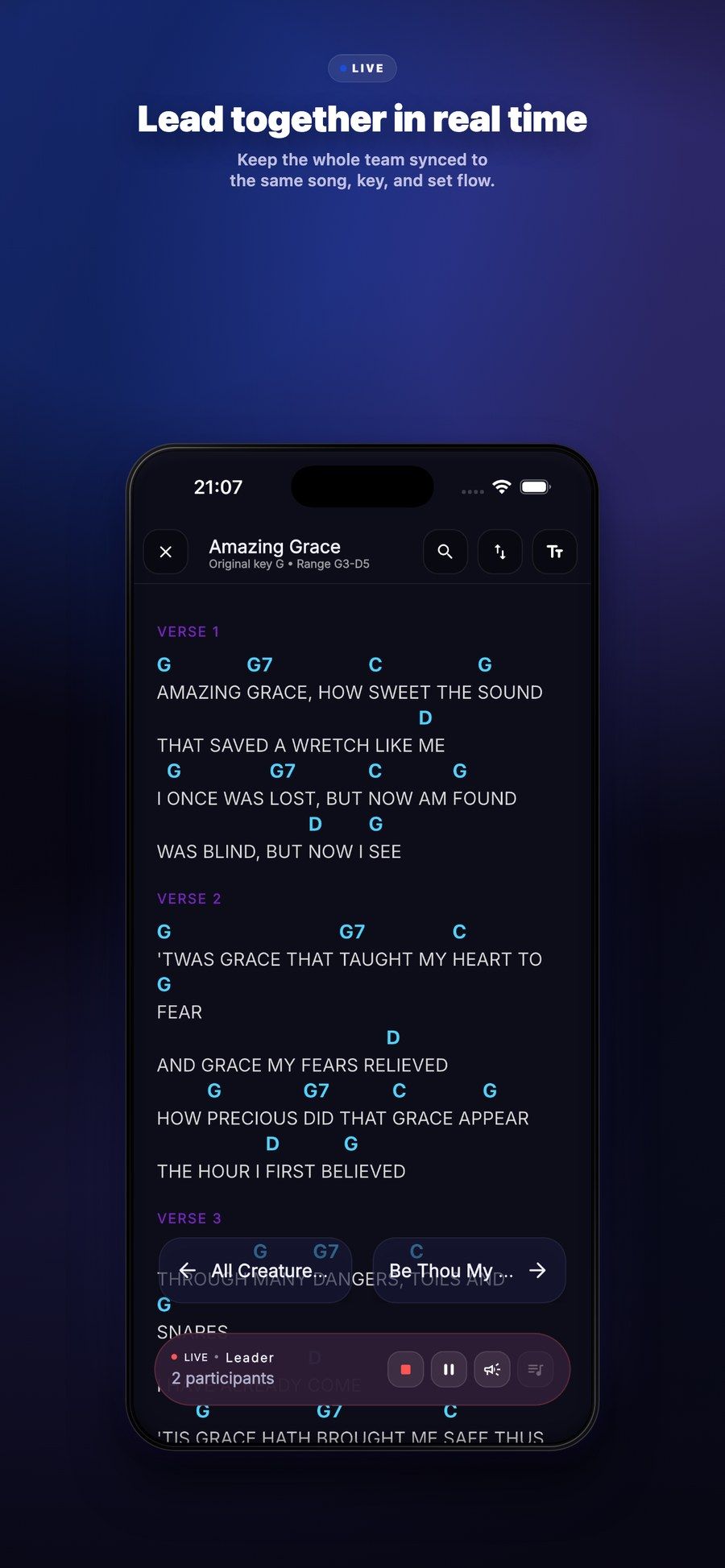
The leader changes the song or key and the whole band follows on their own devices. Leadership can pass to another member without ending the session.
- 02
Set presentations on TV
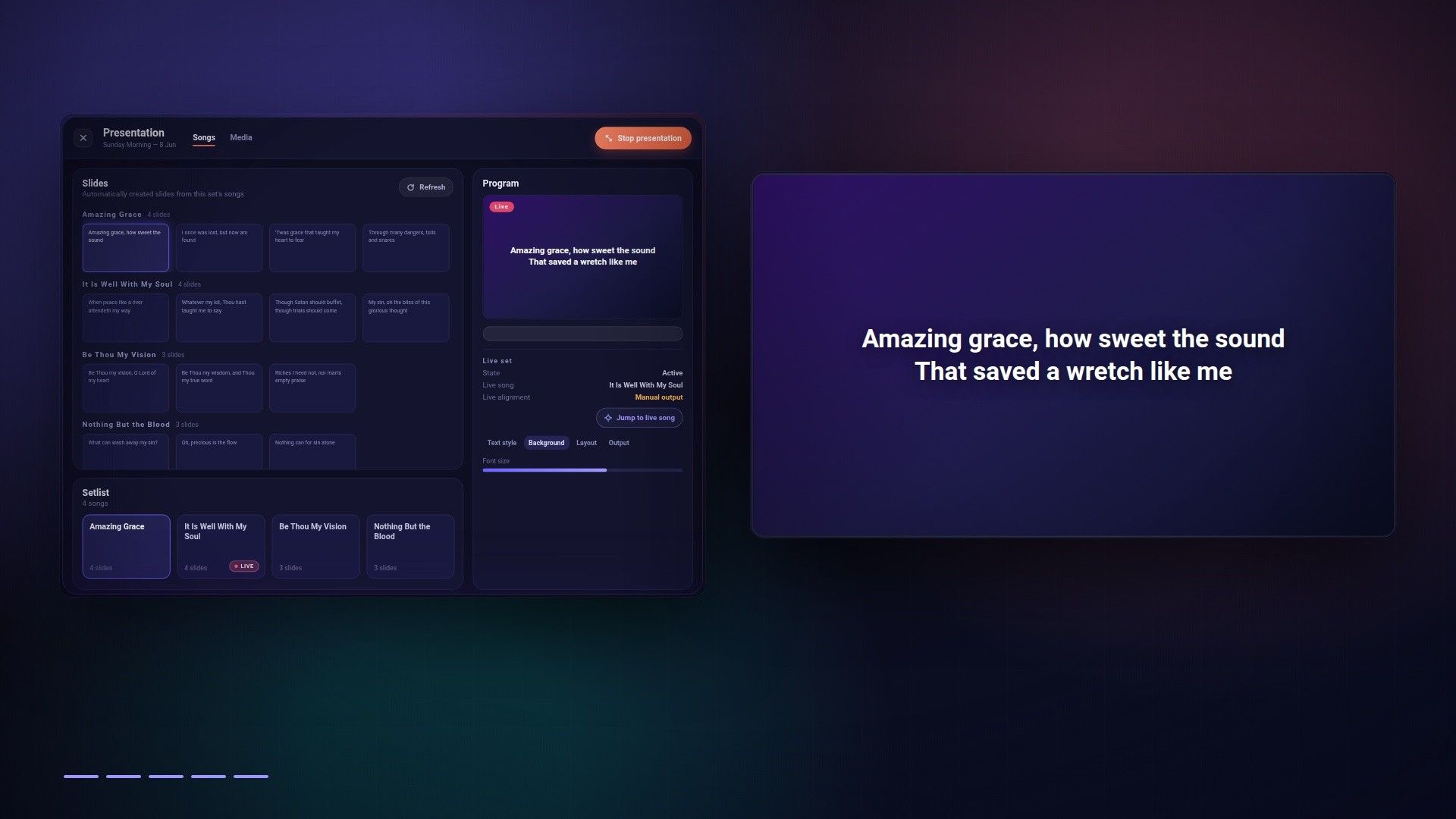
Lyrics from the set on an external TV or projector, with separate controls for the presenter. Photos, documents, video and countdowns can be added to the programme.
- 03
Your repertoire, together
Personal songs and a shared band library, organised into songbooks. Import from photos, PDFs, Word documents and music formats helps bring an existing repertoire into the app.
- 04
A setlist for every show
Song order, keys, date and participants in one place. A setlist becomes a shared plan for the next rehearsal or performance.
- 05
Practice starts at home
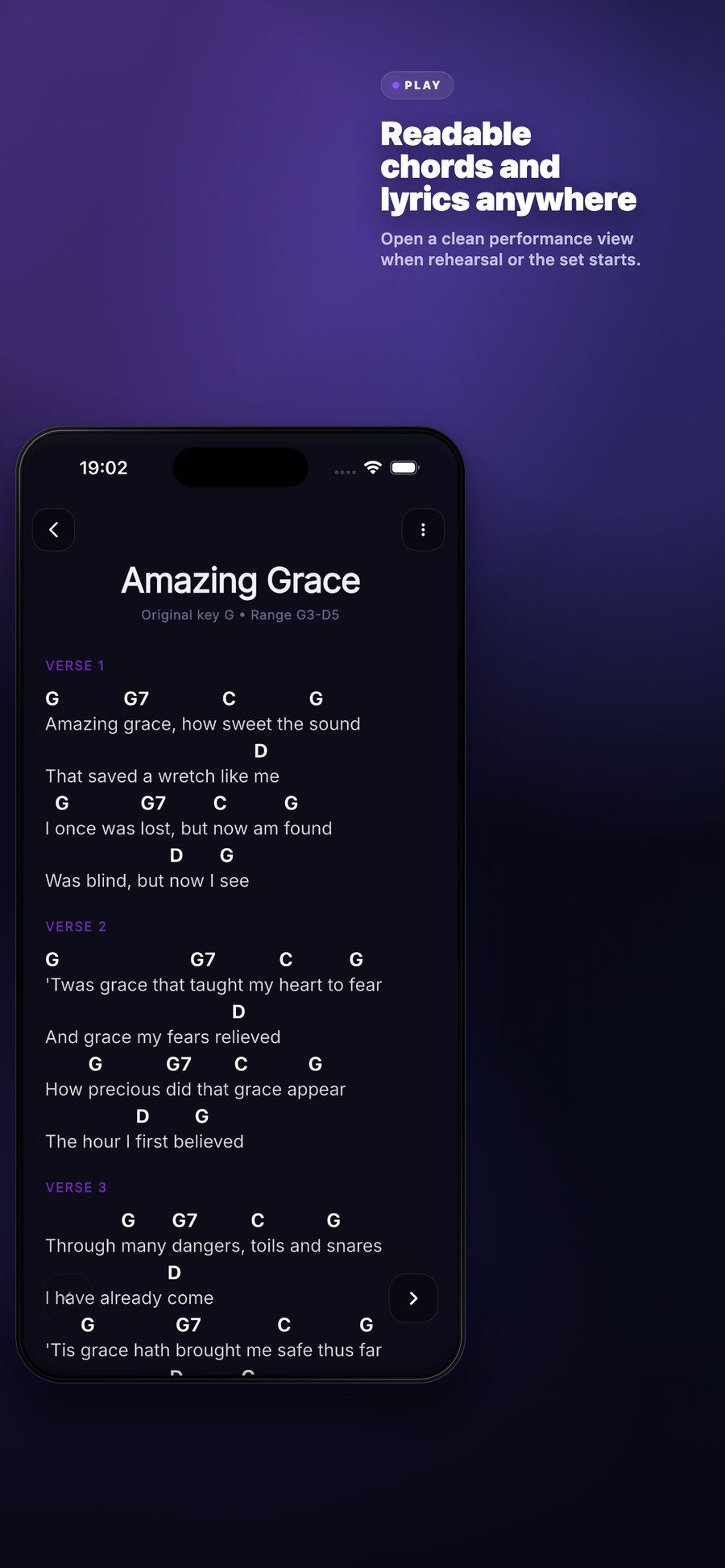
Transposition, guitar and piano chord diagrams, and your own recordings alongside each song. A reference performance stays with the material you practise from.
- 06
Conversations with context
Team conversations and a chat for setlist participants. Songs and setlists can be shared directly into a conversation, keeping plans connected to the music.
04Inside the product
A look inside
Before the first rehearsal
A repertoire ready to play.
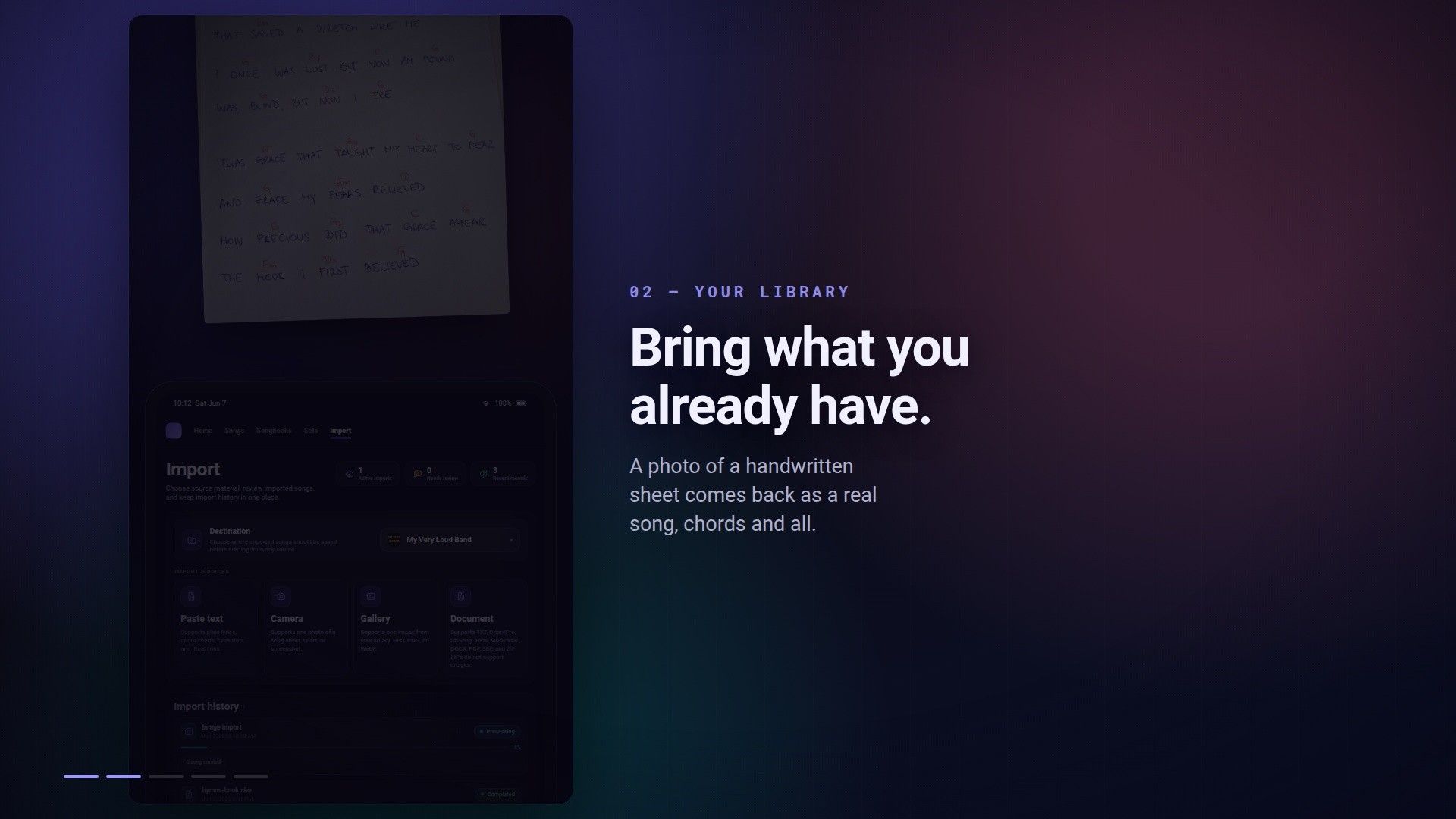
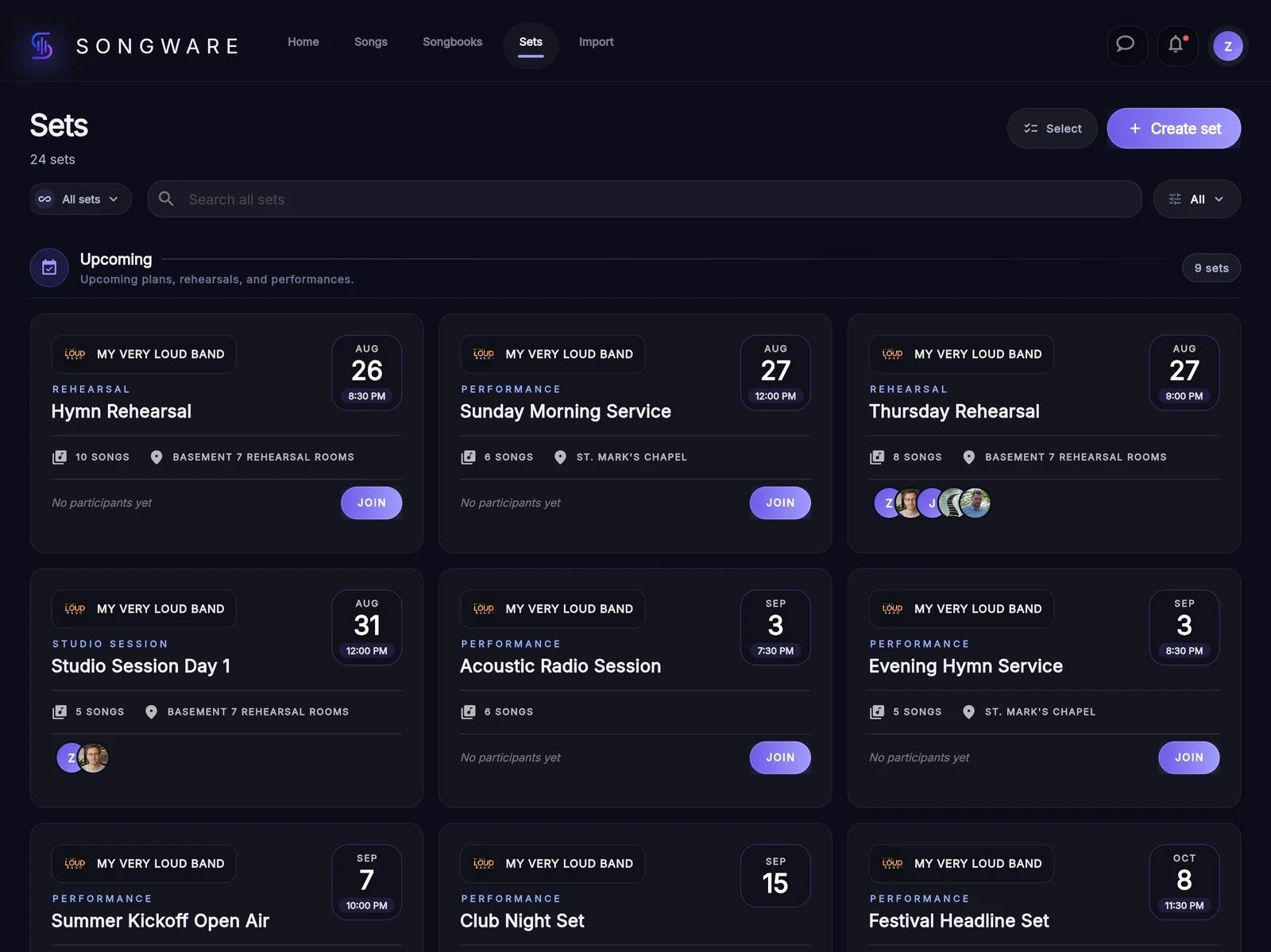
Import existing songs from a photo or document, adjust the key and build a setlist. Keep your preparation in one place, accessible on a phone, tablet or computer.
Live sets
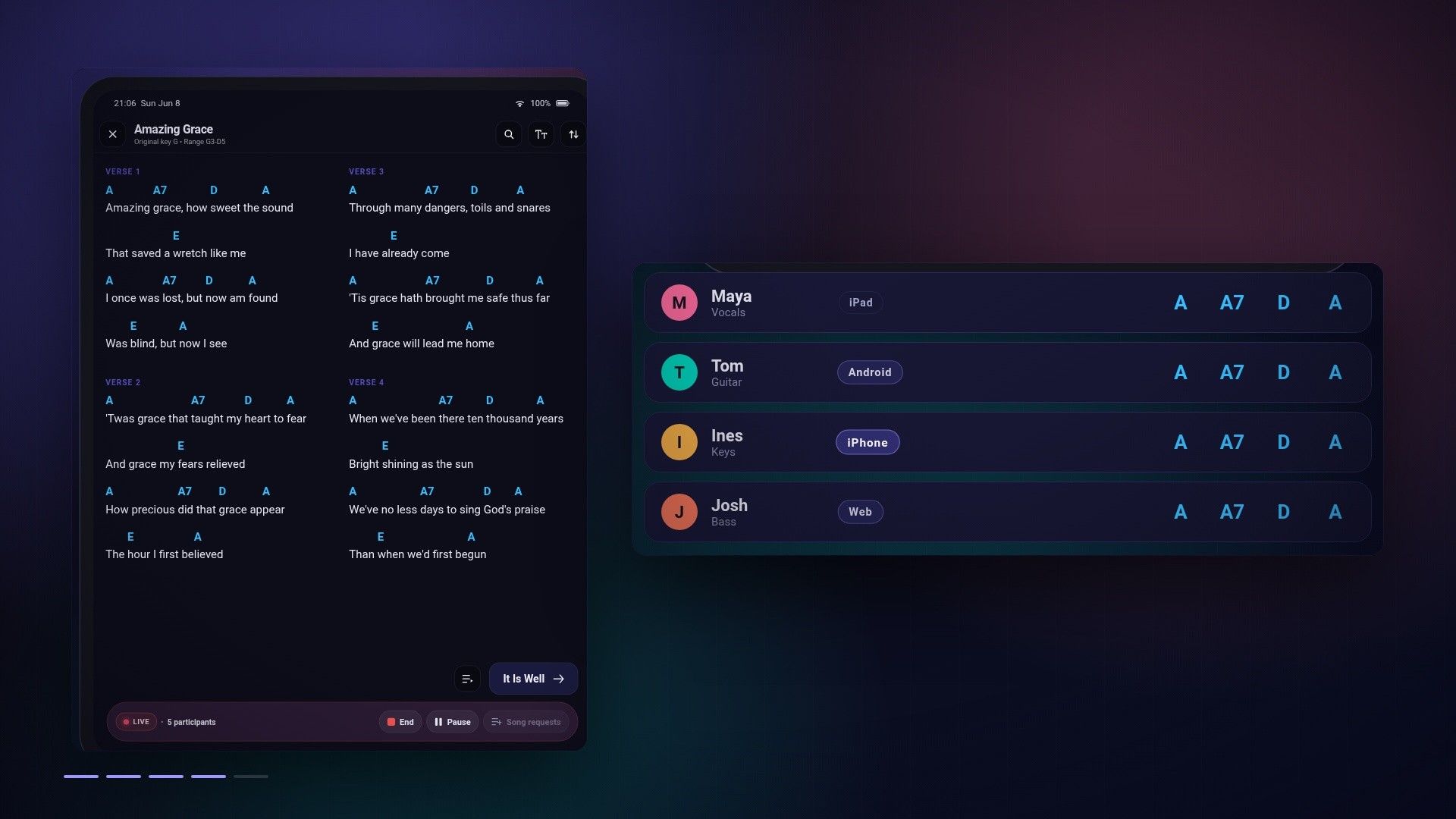
One screen changes. The band follows.
The next song or a different key — the leader guides the session and other members follow on their devices. Desktop and mobile views are part of the same shared performance.
Set presentations
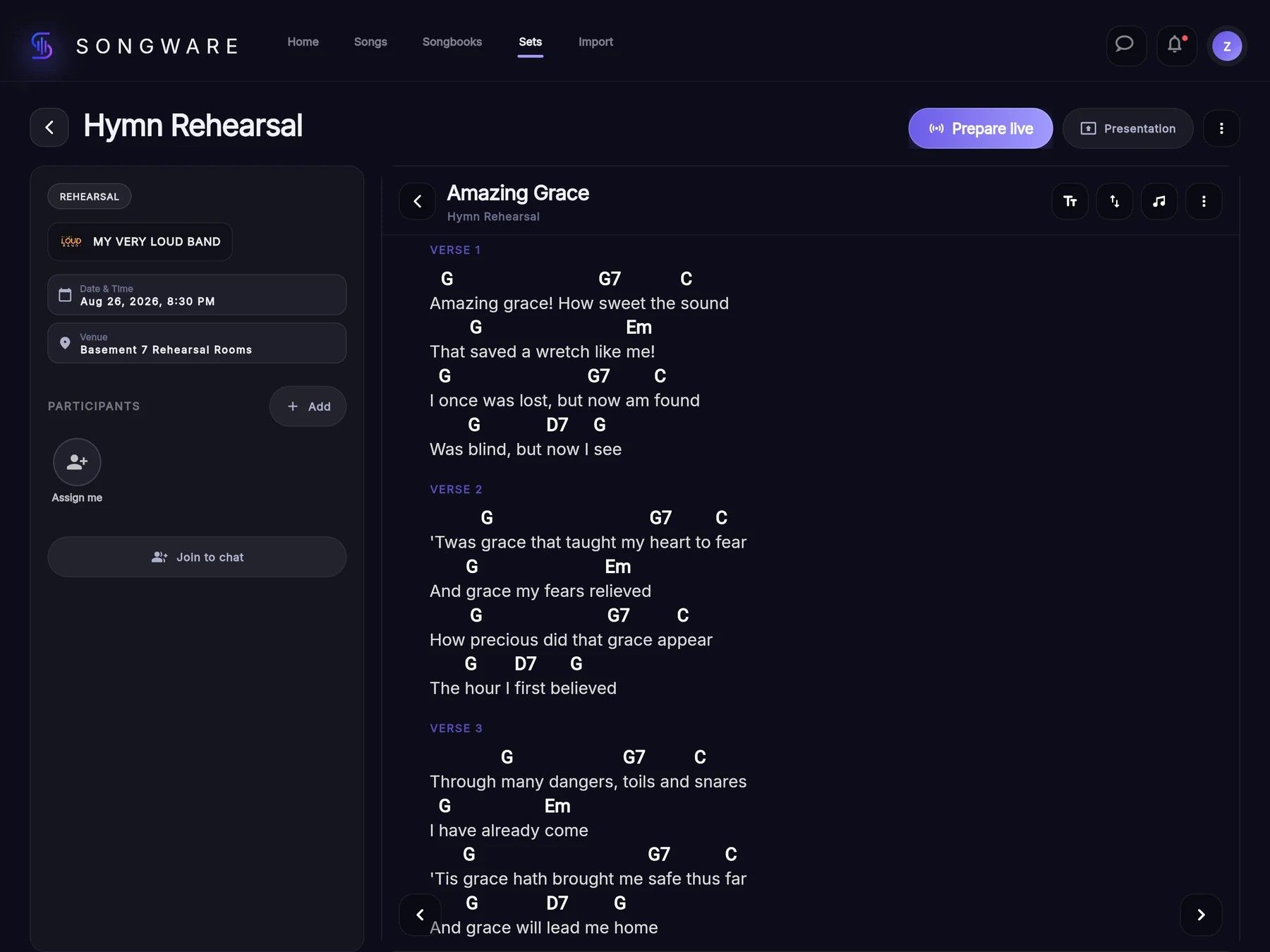
Chords for the musicians. Lyrics for the room.
A set gets its own presentation on an external TV or projector. While musicians follow the chords, the audience sees the lyrics. The presenter has separate controls for slides, backgrounds and additional material for the whole programme.
Discover more about Songware
Find more details and product features on its official website.